
Category: YouTube
-
YouTube Updates: Handles in Live Chat, Veo 3 for Shorts, and Desktop Communities
YouTube’s “News Flash” this week covers three main pillars: identity changes in live chat, significant upgrades to AI tools for Shorts, and quality-of-life improvements for the new Communities tab. Handles as Identifiers Up until now, your channel name was often used to identify you in live chat and channel memberships. Moving forward, YouTube is swapping…
-
YouTube Unveils Dynamic Brand Segments and New Shorts Tools
In a recent update from Creator Insider, Rene Richie interviewed Michael Beckman to discuss a suite of new tools designed to reduce friction in brand deals and demystify channel analytics. These updates focus on making your video inventory more flexible and your data more actionable. Here is a breakdown of the three major announcements. 1.…
-
YouTube Just Changed The Rules for Channel Appeals: What Creators MUST Know

If you’re a YouTube creator, you know that the fear of a mistaken strike or termination is always lurking. Recently, there’s been a lot of noise on social media with creators tagging @TeamYouTube, concerned about moderation and potential system bugs. In response, YouTube has posted a critical new FAQ that clarifies exactly how moderation and…
-
Take Control of Your YouTube Live Streams: Disabling the Live Chat Leaderboard
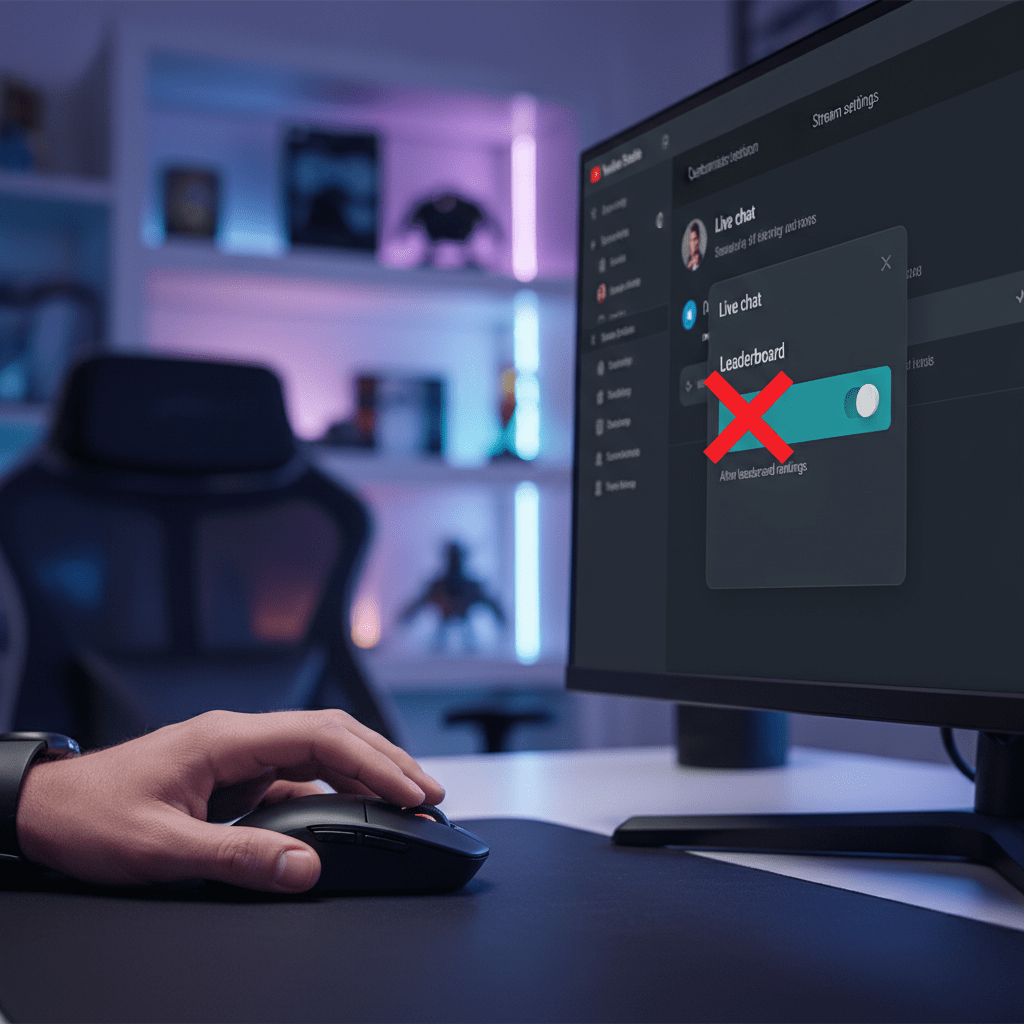
Are you a streamer or content creator on YouTube who uses the live chat feature? If so, you might have noticed a relatively new addition that displays a “Top Chatters” or “Live Chat Leaderboard” during your streams. While this can be a fun way to recognize active viewers, many creators prefer a cleaner, less competitive…
-
YouTube’s New Hype Feature: A Creator’s Complete Guide

YouTube has rolled out a new feature aimed at leveling the playing field and helping smaller creators get discovered: Hype. This community-driven tool gives your viewers a new way to show their support and can provide a significant visibility boost outside of the traditional algorithm. But how does it work, who is it for, and…
-
YouTube Just Dropped a Potential Game Changer: The New Collaboration Feature
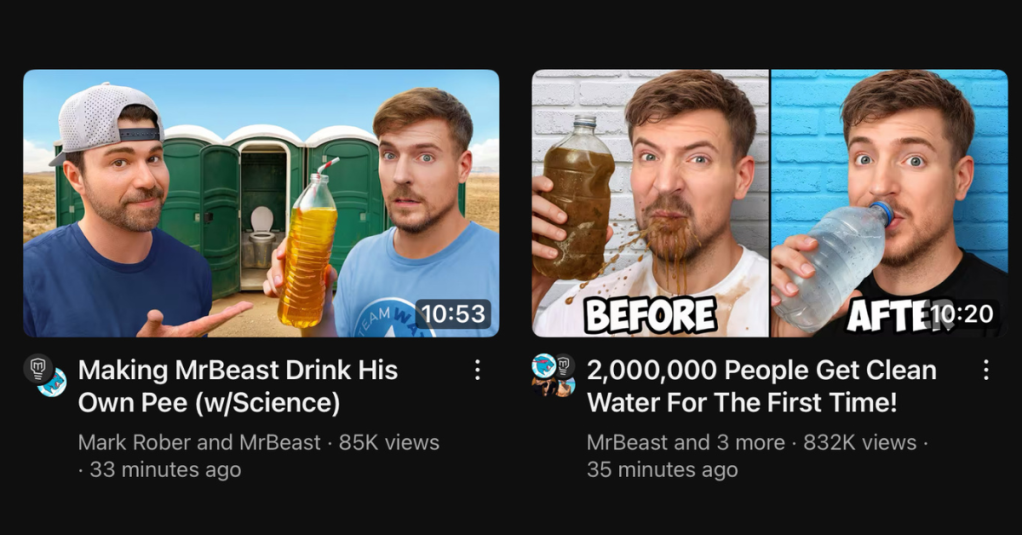
You might have noticed something a little different making waves across YouTube lately, especially if you follow creators like MrBeast and Mark Rober. Their recent collaborations for the #TeamWater initiative weren’t just the usual pairing of talented minds; they also showcased a brand-new feature YouTube is currently testing – and it could fundamentally change how…
-
New YouTube Feature: Share Your Channel Insights with Brands to Unlock More Opportunities
YouTube has launched a new feature for eligible Partner Program creators: the Channel Insights Sharing setting. This tool makes it easier to get noticed by advertisers and brands by sharing your aggregated channel and audience data via Google tools like the Creator Partnerships Hub. Key details: • Opt-in only: Off by default, you control when…
-
Discover the Latest YouTube Live Stream Features Everyone’s Buzzing About
In the ever-evolving world of YouTube, creators and viewers alike are constantly on the lookout for new ways to engage more deeply during live streams. One of the latest experiments YouTube has introduced is the Live Stream Leaderboard, a feature designed to transform live chats into dynamic, interactive arenas where viewers can earn experience points…

