-
Take Control of Your YouTube Live Streams: Disabling the Live Chat Leaderboard
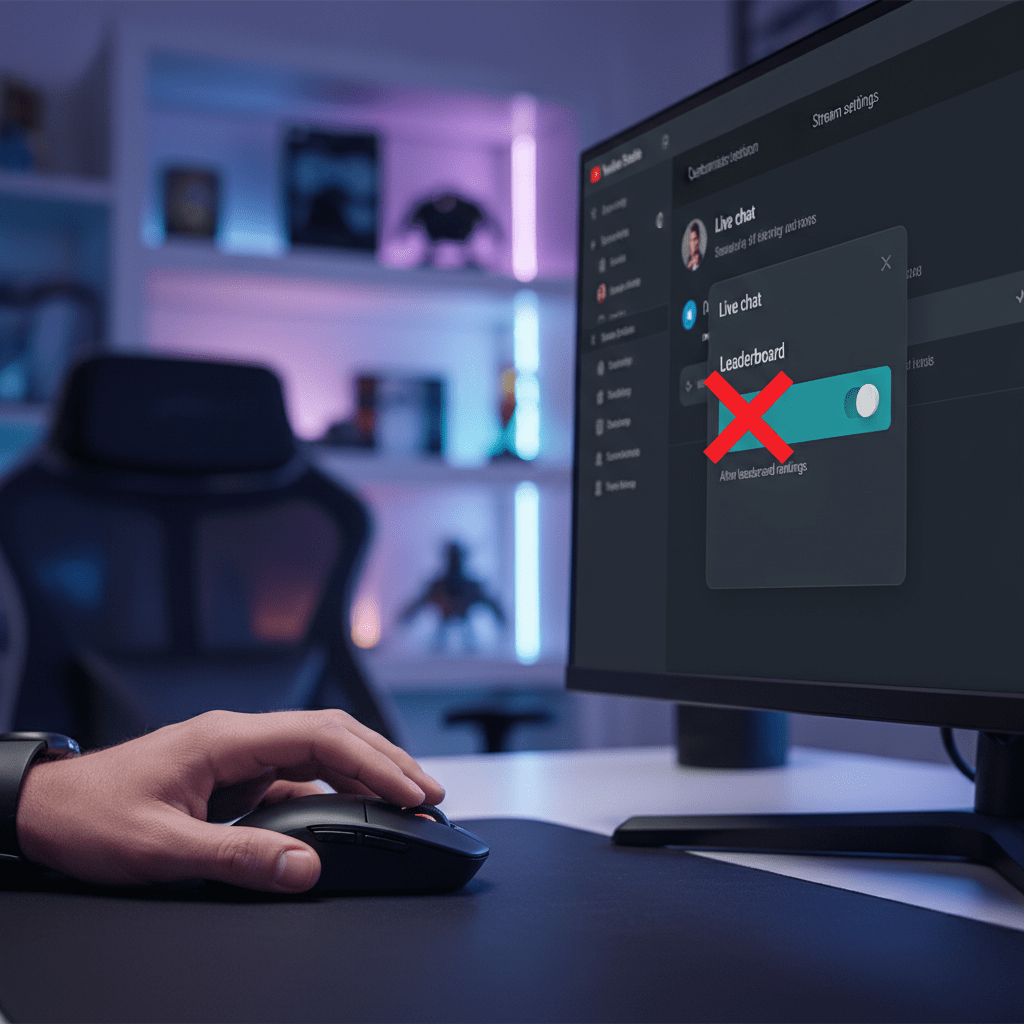
Are you a streamer or content creator on YouTube who uses the live chat feature? If so, you might have noticed a relatively new addition that displays a “Top Chatters” or “Live Chat Leaderboard” during your streams. While this can be a fun way to recognize active viewers, many creators prefer a cleaner, less competitive…
-
YouTube’s New Hype Feature: A Creator’s Complete Guide

YouTube has rolled out a new feature aimed at leveling the playing field and helping smaller creators get discovered: Hype. This community-driven tool gives your viewers a new way to show their support and can provide a significant visibility boost outside of the traditional algorithm. But how does it work, who is it for, and…
-
YouTube Just Dropped a Potential Game Changer: The New Collaboration Feature
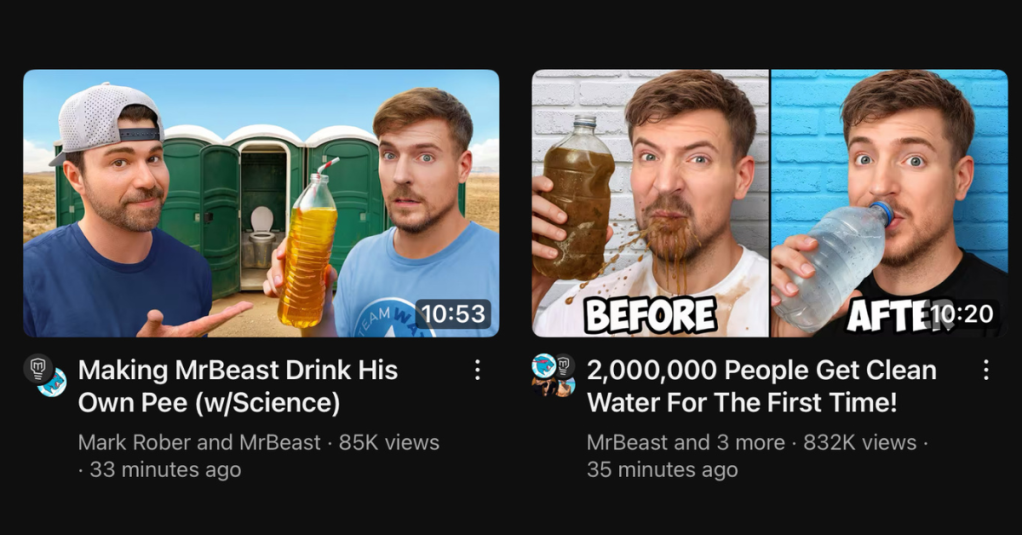
You might have noticed something a little different making waves across YouTube lately, especially if you follow creators like MrBeast and Mark Rober. Their recent collaborations for the #TeamWater initiative weren’t just the usual pairing of talented minds; they also showcased a brand-new feature YouTube is currently testing – and it could fundamentally change how…
-
New YouTube Feature: Share Your Channel Insights with Brands to Unlock More Opportunities

YouTube has launched a new feature for eligible Partner Program creators: the Channel Insights Sharing setting. This tool makes it easier to get noticed by advertisers and brands by sharing your aggregated channel and audience data via Google tools like the Creator Partnerships Hub. Key details: • Opt-in only: Off by default, you control when…
-
Discover the Latest YouTube Live Stream Features Everyone’s Buzzing About
In the ever-evolving world of YouTube, creators and viewers alike are constantly on the lookout for new ways to engage more deeply during live streams. One of the latest experiments YouTube has introduced is the Live Stream Leaderboard, a feature designed to transform live chats into dynamic, interactive arenas where viewers can earn experience points…
-
Create PERFECT Notes and Timestamps FAST with TubeSpanner!
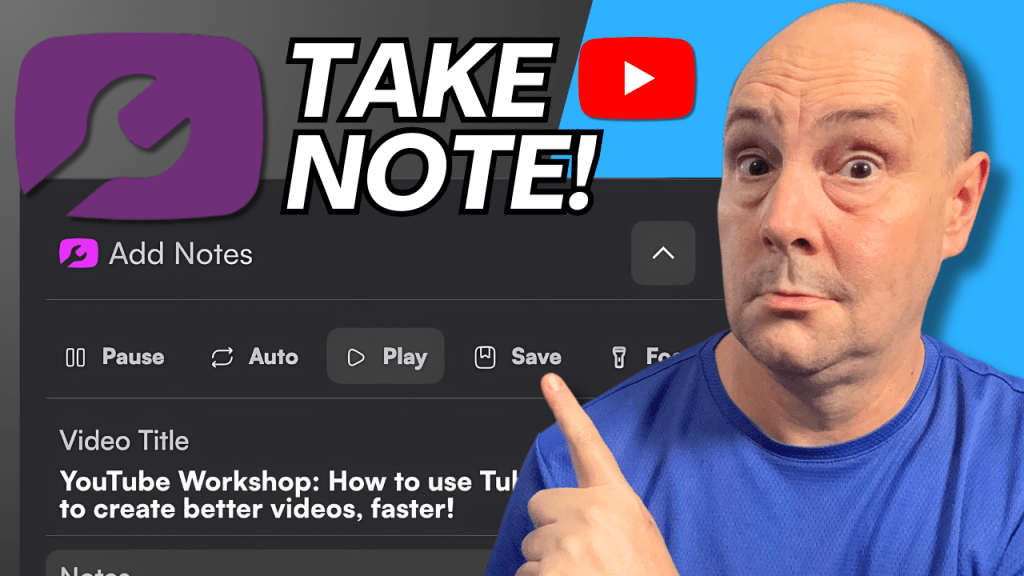
As content creators, especially on YouTube, managing and organizing video content efficiently is crucial. Whether you’re taking notes from a live stream, adding timestamps to your own videos, or creating chapters to improve viewer engagement, having the right tools can make all the difference. One such powerful and versatile tool is the TubeSpanner Notes Tool.…
-
Reused Content: What It Is and How to Avoid It on YouTube
Summary As a creator, understanding YouTube’s policies around reused content is crucial for maintaining a successful channel and avoiding potential monetization issues. In this blog, I’ll dive deep into what reused content means, the consequences of posting it, and how you can ensure your content meets YouTube’s guidelines. By the end, you’ll have a clear…
-
StreamYard Custom Layouts: A New Way to Customize Your Live Streams
Introduction StreamYard, a popular live streaming platform, has recently launched an exciting new feature called Custom Layouts. In the past, users were limited to a set of preset layouts designed by StreamYard. However, with Custom Layouts, users now have the ability to create and customize their own layouts according to their specific needs and preferences.…
-
The Newest Way to Engage Your Community on YouTube
For some time, YouTube have been rolling out new features and updates to 2 areas of focus. One is YouTube Shorts. Shorts creation tools have been constantly rolling out on mobile devices since Shorts was launched in 2021. The other area is the Community Tab. The Community Tab and by extension the Community Posts have…

Doug Hewson YT
Helping New Creators Navigate YouTube
 Doug Hewson YT